Why We Test Each Screen Before and After Bonding
If a screen passes its first test, why do we test it again after the frame has been fitted and the holding period is complete?
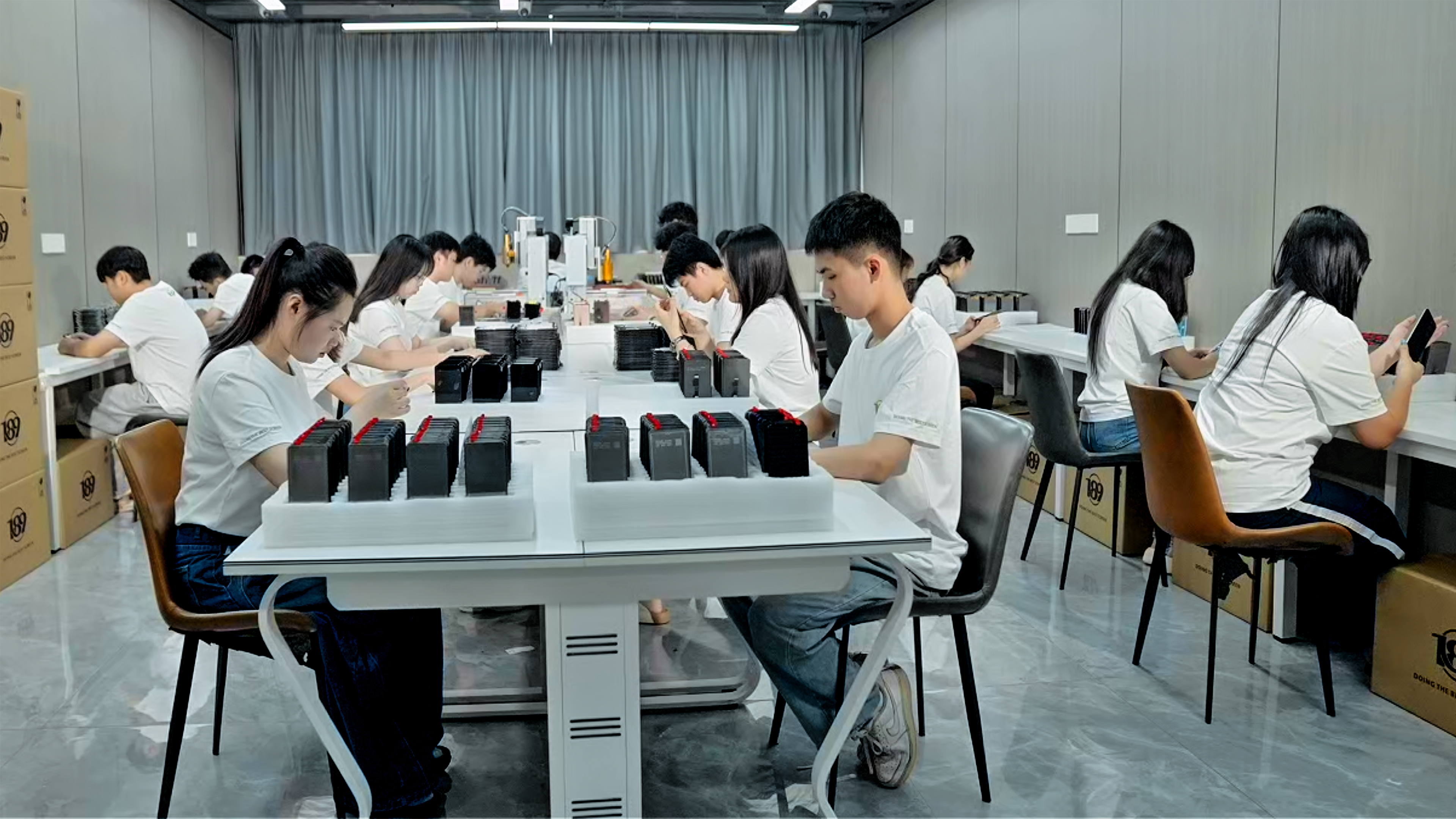
The two checks assess the product at different production stages. In 189LCD’s current assembly process for framed replacement screens, bonding and fixture holding take place after the first test. We therefore check display and touch functionality again once the holding period ends. At both stages, staff manually test every screen individually, one unit at a time.
Manual Testing Before Bonding
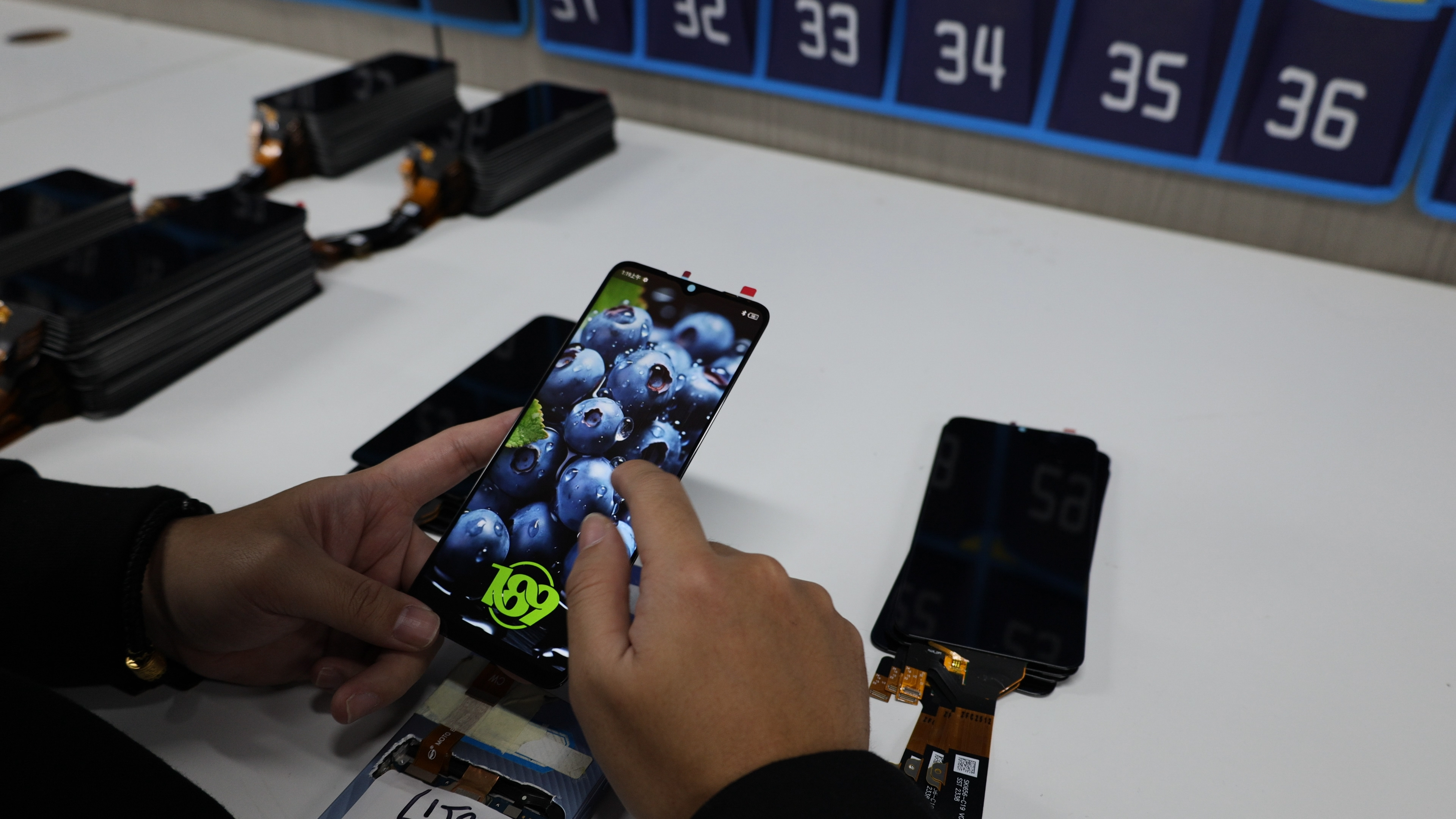
Before the display is bonded to the frame, staff check display and touch functionality on each unit.
This establishes the screen’s condition before bonding and provides a reference for the subsequent assembly steps. It does not replace inspection after bonding and the holding period.
Manual Testing After the Holding Period
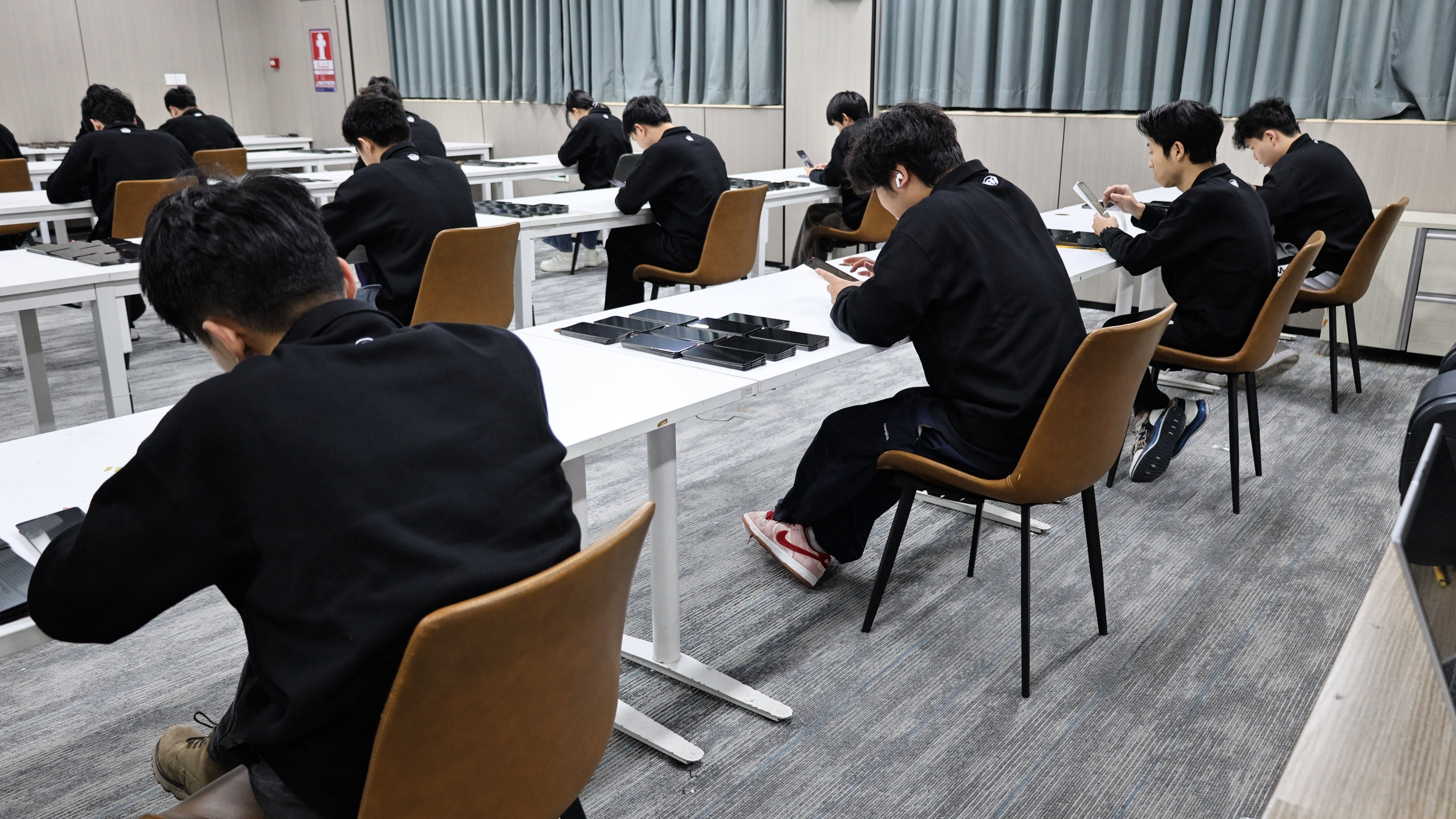
After bonding, products are held in fixtures for two to three days. Staff then recheck display and touch functionality on each unit.
Even if a screen passes its first test, it still needs inspection after subsequent processing. The second test checks whether the same screen still functions normally after bonding and fixture holding.
Every unit therefore goes through two separate rounds of hands-on inspection.
Two-Stage Checks for Easier Troubleshooting
If an issue appears during the second test, its timing and the preceding operations need further examination. Checks may include whether the flex cable was strained, whether pressure was applied to the glass or display module, and whether appropriate electrostatic discharge (ESD) precautions were in place. These are leads to investigate, not conclusions.
Testing at separate stages helps identify issues that may arise during later operations and provides a clearer basis for investigation.
For wholesale buyers, useful questions are: “At which stages is the screen tested, and is every unit checked?” The answers provide more detail than simply being told, “It has been tested.”
Customer Inspection Upon Receipt
The process above describes 189LCD’s factory assembly checks. Wholesalers and repair shops should inspect goods on arrival according to the relevant product requirements. Before final installation, technicians should also confirm that the model is correct and that display and touch functions work properly.
If an issue is found, keep the product label and supporting photos or videos, and explain whether the issue appeared on arrival, before installation or after installation. This provides more information for investigation than simply saying, “The screen is faulty.”
Include the relevant order details and affected quantity when reporting the issue so both parties can check their records.